
Importing Goals via CSV in ThriveSparrow

Overview
The Goals CSV Import feature allows you to import goals in bulk. This guide walks you through the import process, mandatory and optional fields, common errors, and best practices for a smooth import experience.
Download the CSV Template
Navigate to the Goals > my goals.
Click on the new goal and hover over it, and click on import goals csv.
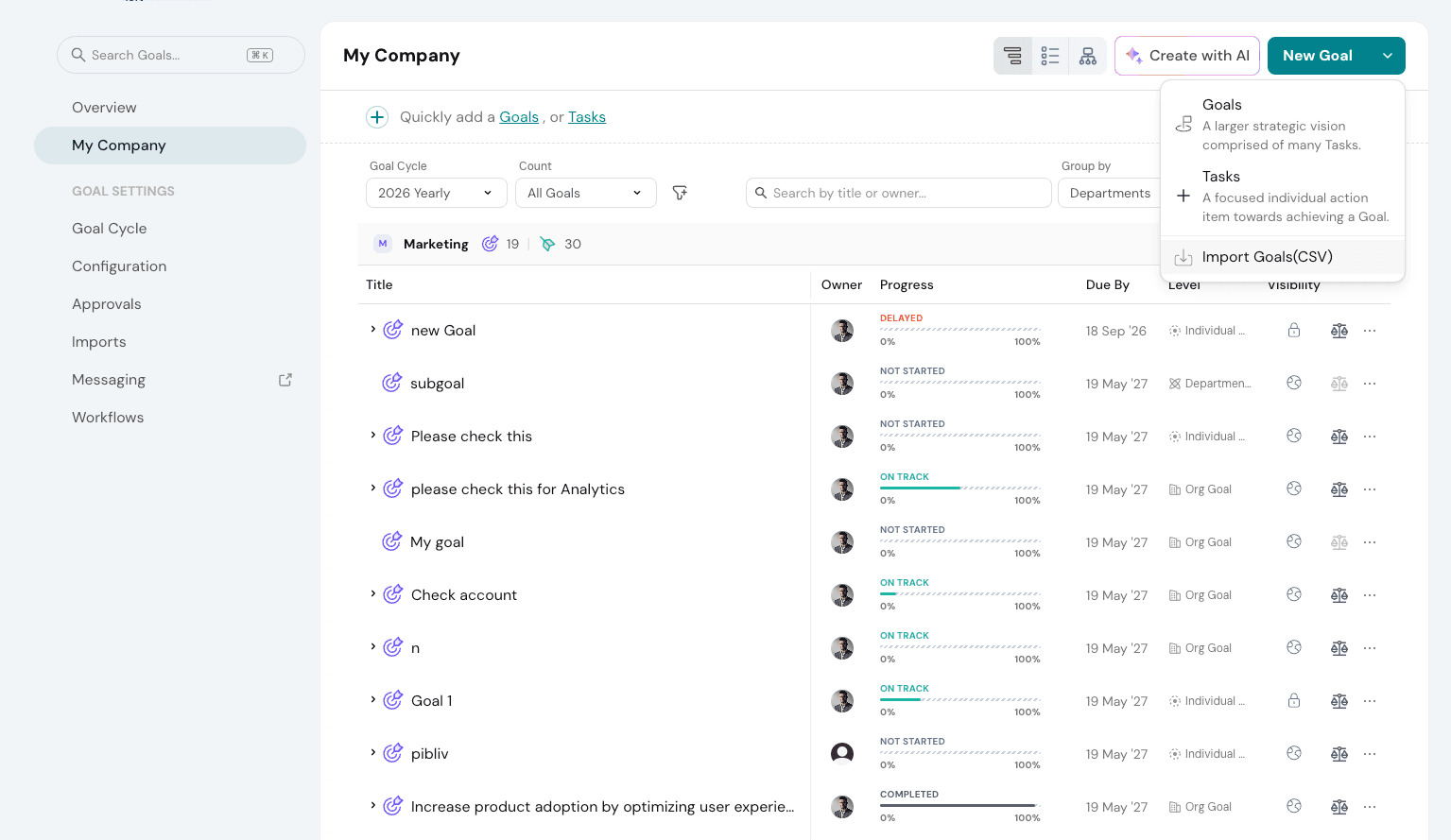
You will be redirected to the import goals page, here click on download sample csv and download the file.
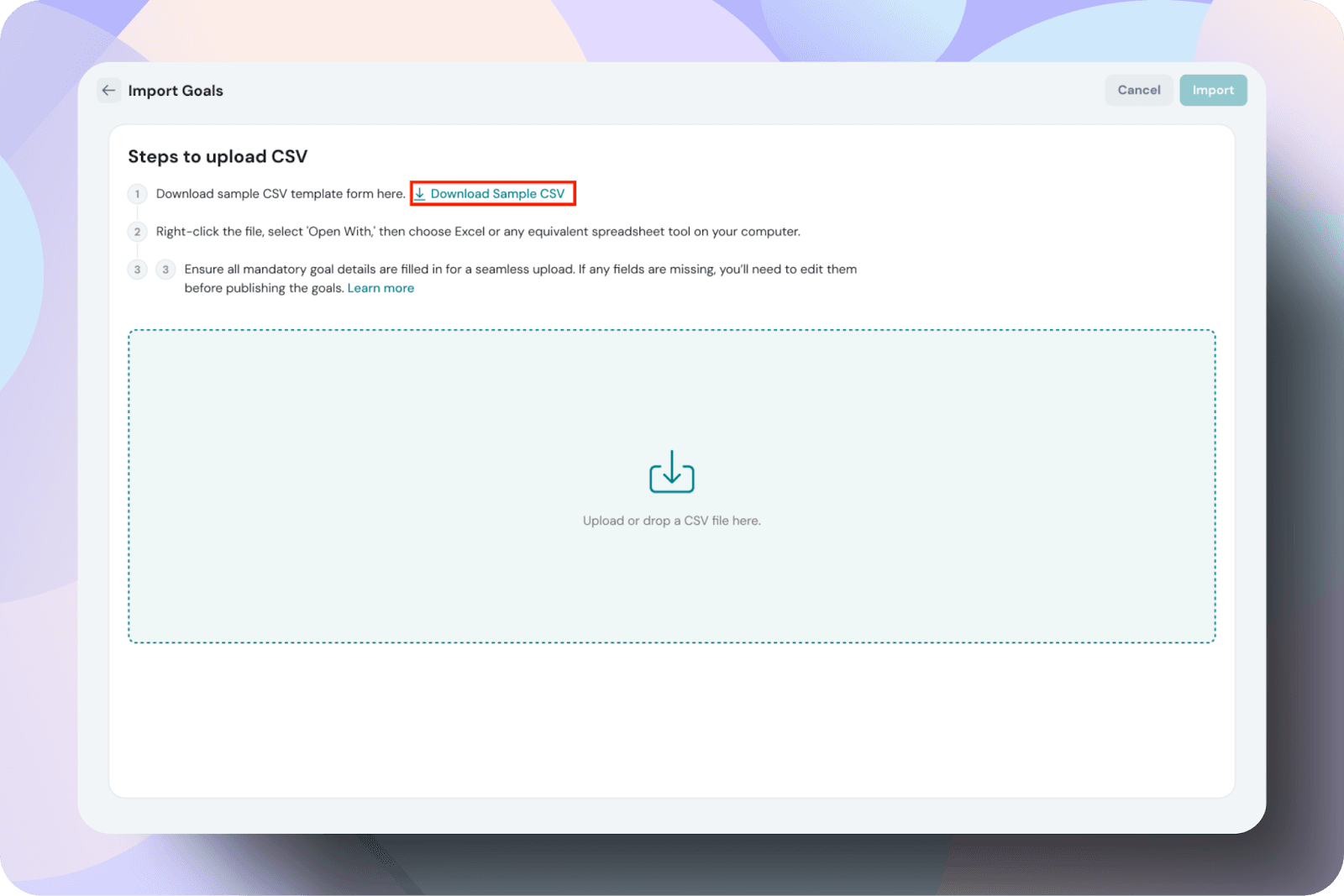
Prepare Your CSV File
- Open the downloaded file in a spreadsheet editor (Google Sheets, Excel, etc.).
- Fill in the goal details, ensuring all mandatory fields are included.
- Save the file in CSV format (.csv).
The mandatory fields in the CSV file must be filled for a successful upload.
Mandatory Fields
- Row ID
- Type
- Goal Name
- Goal Owner
- Goal Level
- Metric Type
- Start Value
- Target Value
- Current Value
Optional Fields
- Goal/Task ID
- Goal Description
- Goal Creator
- Goal Cycle
- Parent
- Start Date
- Due Date
Upload Your CSV File
- Return to the Import Goals section.
- Drag and drop or upload the CSV file.
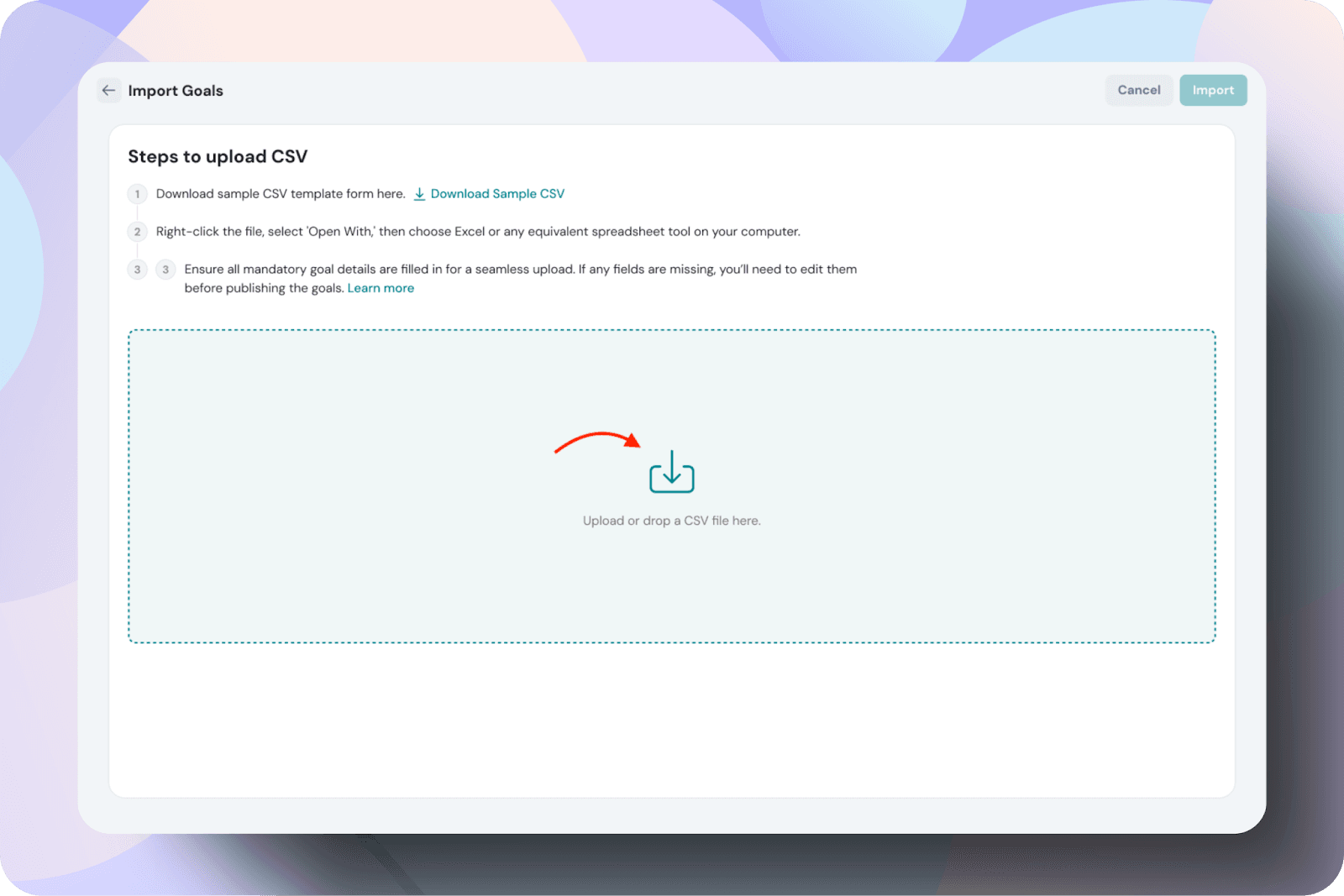
In the next screen, make sure to review the mapping of the csv data to Thrivesparrow’s goal properties. The data extracted from the file is automatically mapped to Thrive.
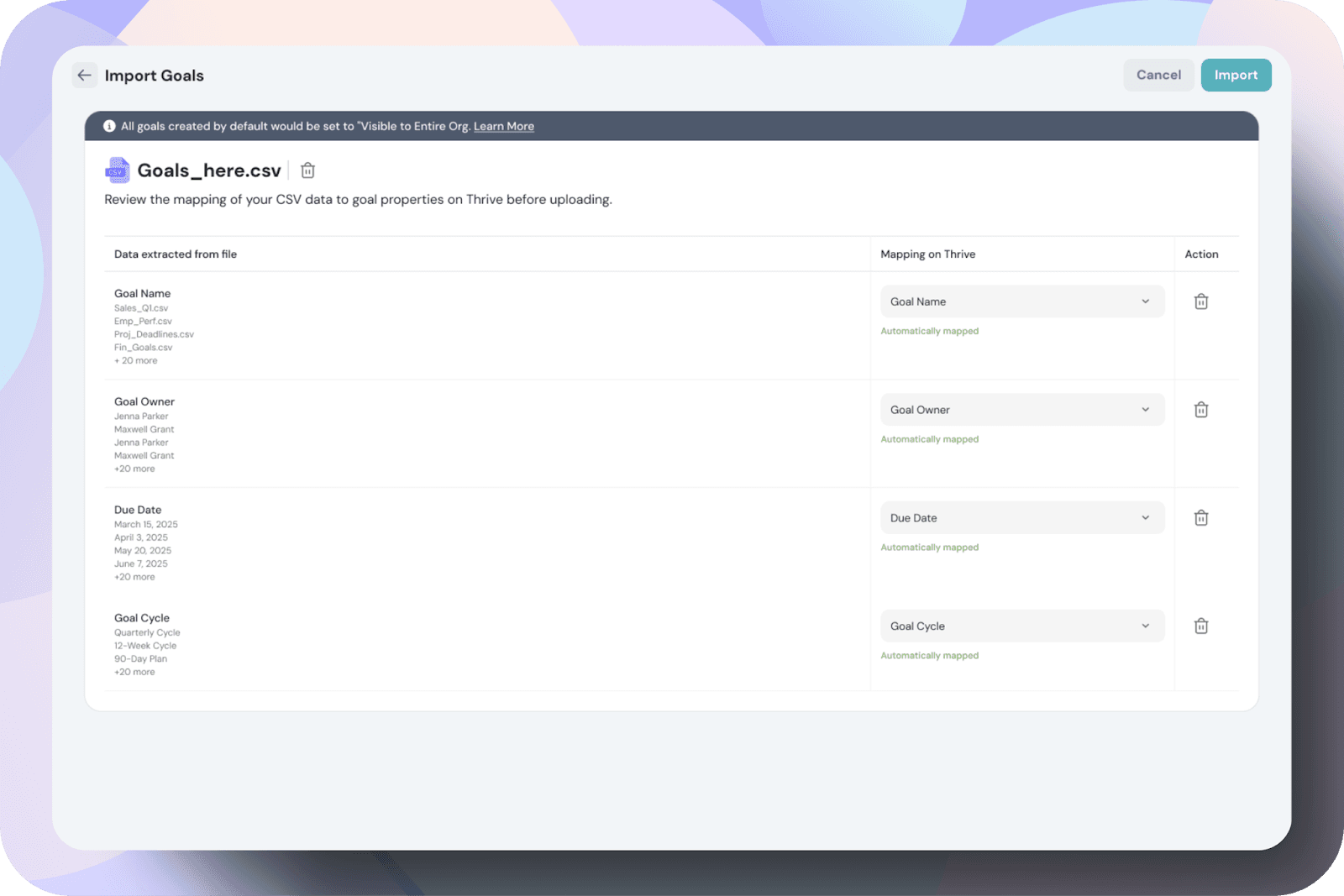
If there is an error in the document, it will be highlighted, as shown in the following image.
Note: The potential errors that might occur are discussed later in this article.
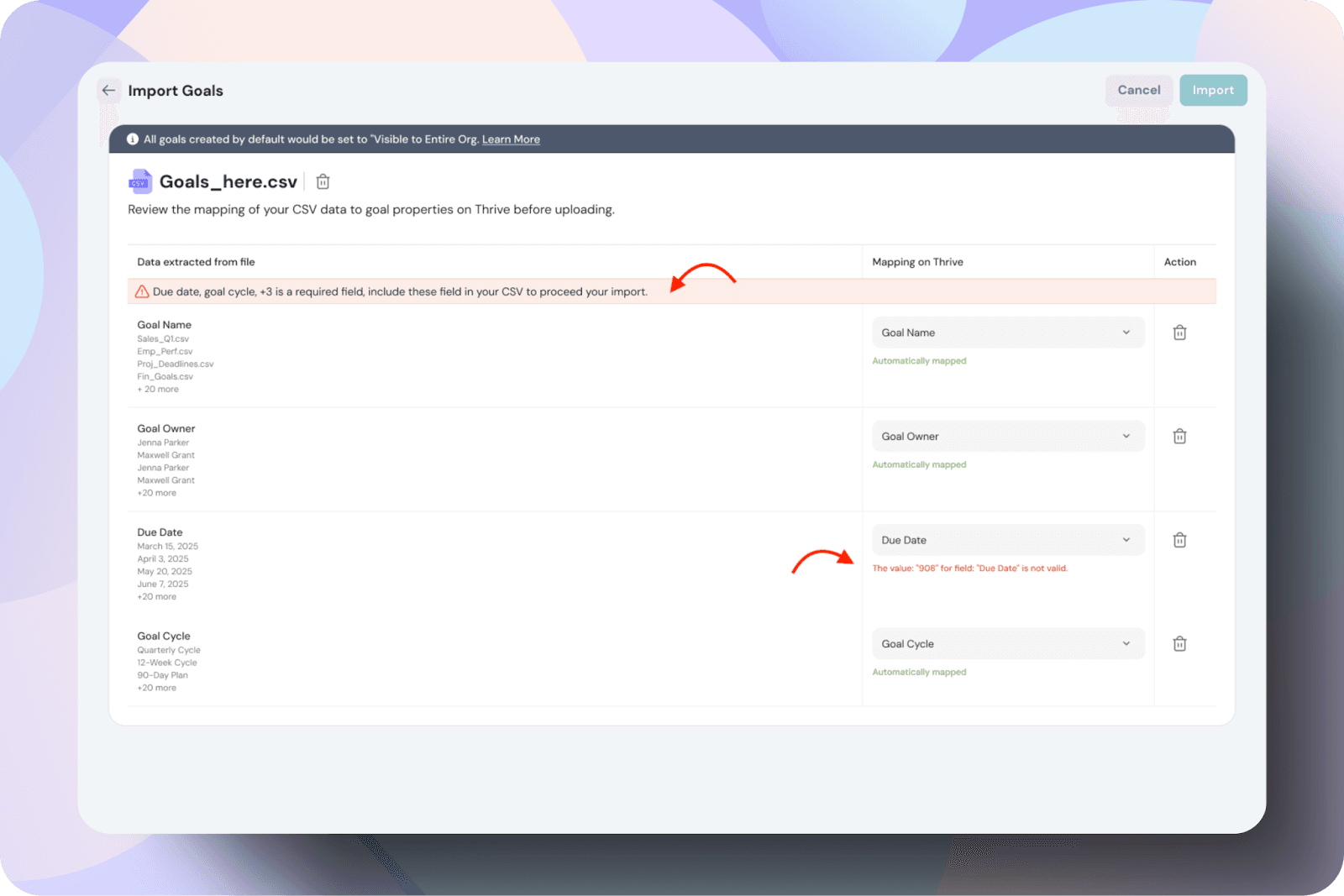
If the data is correct, click Import Goals to finalize the process.
Confirm and Import
- Once all errors are resolved, click Import Goals.
- Once the import is complete, you will receive a push notification and an email confirmation.
Click on Imports tab.
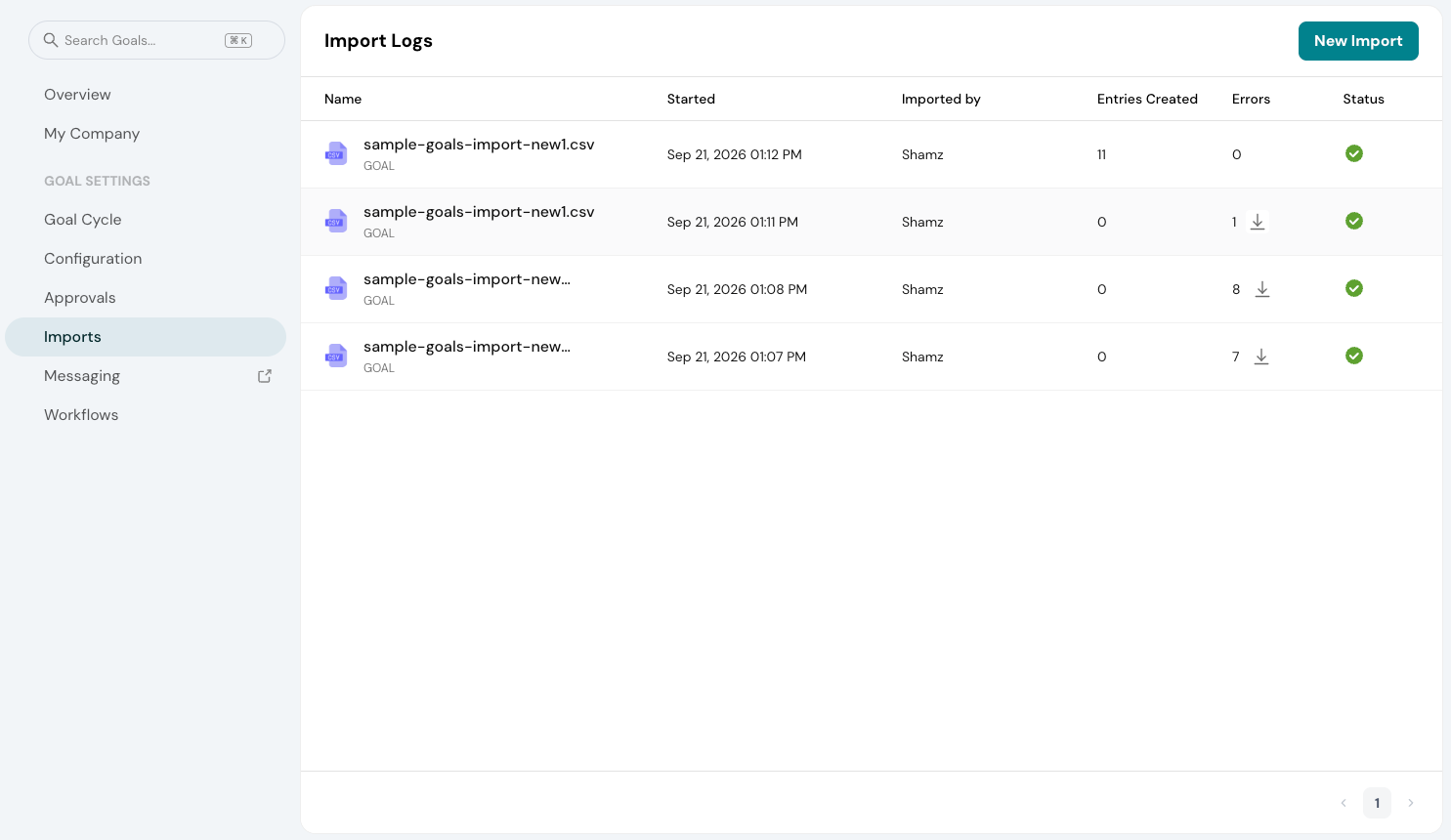
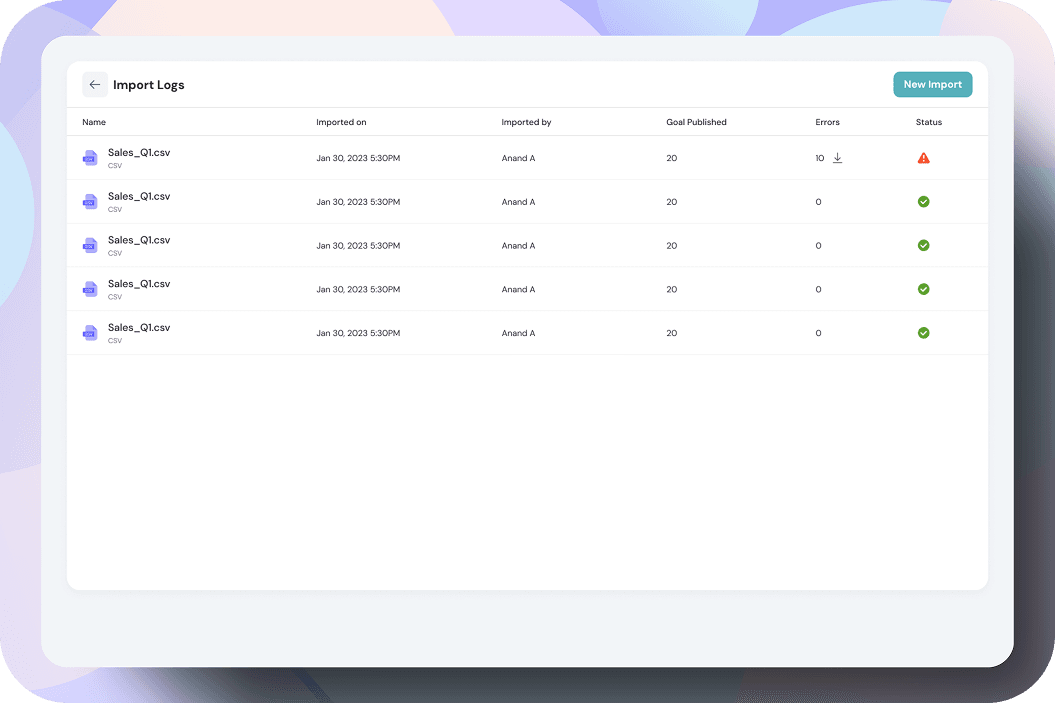
Once you click on View Imports, you will be directed to a page displaying all your imports. If there are any errors and your import is unsuccessful, the status will indicate that the import is not complete.
Best practices & tips:
- Always start with a sample CSV to ensure the correct format.
- Check that all required fields (Type, Goal Name, Goal Owner, Goal Level) are filled.
- Ensure that parent goals exist before linking them to child goals.
- Stick to YYYY-MM-DD format to avoid errors in date fields.
- Before bulk uploading, test with a few goals to ensure correct data entry.
- Each upload is limited to 500 rows —split large datasets into multiple CSVs if needed.
- Ensure all the parent goals and child goals are present in the same CSV file.
Frequently Occurred Errors and How to Rectify Them
Errors during Goal Creation
Error Message | Why This Happens | How to Fix |
|---|---|---|
Please enter valid type "Goal" or "Task" | The Type column has an unrecognized value. | Please enter Goal or Task |
Missing required column: Parent Row ID or Parent Goal ID | The parent column header is missing or misspelled. | For child Goals add Parent Goal ID or Parent Row ID |
Goal owner email "x" is incorrect | The email doesn't match any active user in your workspace. | Check for typos, wrong domain, or deactivated users. |
<actor> does not have permission to create/update goal on behalf of "x" | You're trying to assign a goal to someone you don't have permissions for. | You might not have access to create for the person you are trying to. |
Goal level entered is incorrect | The Level column has a value outside the accepted set. | Available Levels - |
You do not have permission to create/update a goal | Your role doesn't have goal creation rights. | Contact your workspace admin to update your permissions. |
<actor> does not have permission to create/update "org" goal | You can create goals but not at the Org level. | Permission Issue, Please raise it with your workspace admin |
Invalid Goal cycle entered | The cycle name doesn't match any existing cycle in your account. | Copy the exact cycle name from Thrivesparrow |
Invalid metric type / Invalid currency code "x" | The metric type or currency code is unrecognized. | Use a supported metric type and a valid ISO code |
Start Date is missing or Due Date is before the Start Date | Date is blank, malformed, or due date is earlier than start date. | Use Account level Date format for Date field update |
Current value cannot be less/greater than start/target | The imported current value falls outside the start-to-target range. | Set current value between the start value and target value. |
Circular Dependency error on parent goal ID "x" | Goal A is parented under Goal B, which is already parented under Goal A. | Review parent-child references and break the loop. |
Parent goal ID "x" entered does not exist | The parent ID references a goal that was deleted or never existed. | Verify the parent goal ID exists in ThriveSparrow before uploading. |
Invalid parent level hierarchy found for ID "x" | A goal is parented under a goal at the same or lower level. | Ensure parent goals are always at a higher level. |
"email" is not authorized to create key results for objective "x" | You're adding key results to an objective owned by someone else. | Permission Issue, You might just have View access not Edit Access |
Update Errors
Error Message | Why This Happens | How to Fix |
|---|---|---|
Cannot update completed goal | You're trying to edit a goal already marked as completed. | Fix your goal status, then re-upload. Or remove that row from your CSV. |
Access denied to update assignee / Access denied to update due date | Your role doesn't have permission to change these fields. | Permission Issue, You might just have View access not Edit Access |
Due date cannot be a lesser date than today | The new due date is in the past. | Set the due date to today or a future date. |
Circular dependency is detected | The updated parent-child relationship creates a loop. | Review parent references we don't support this. |
Goal ID entered does not exist | The goal ID in your update CSV doesn't match any existing goal. | Cross-verify Goal ID on update |